-
011 477 0416 -
082 320 2424 -
info@taxassist.co.za -
Mon-Fri 09:00 - 16:00

To enable TaxAssist to file your tax returns, we need to request access to your eFiling profile and
the following steps explain how to authorise the transfer.
Click the following link https://secure.sarsefiling.co.za/app/profileTaxType/taxTypeActivation
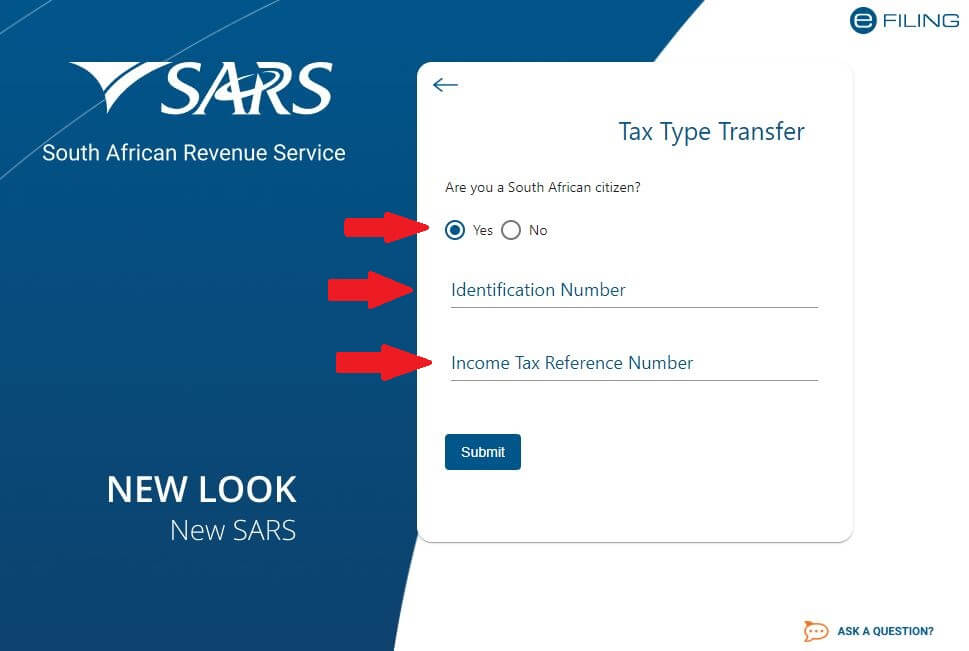
Enter your ID if you are a South African Citizen or Passport Number if you are not a SA citizen and enter your Income Tax Reference Number
or companies Income Tax Number.
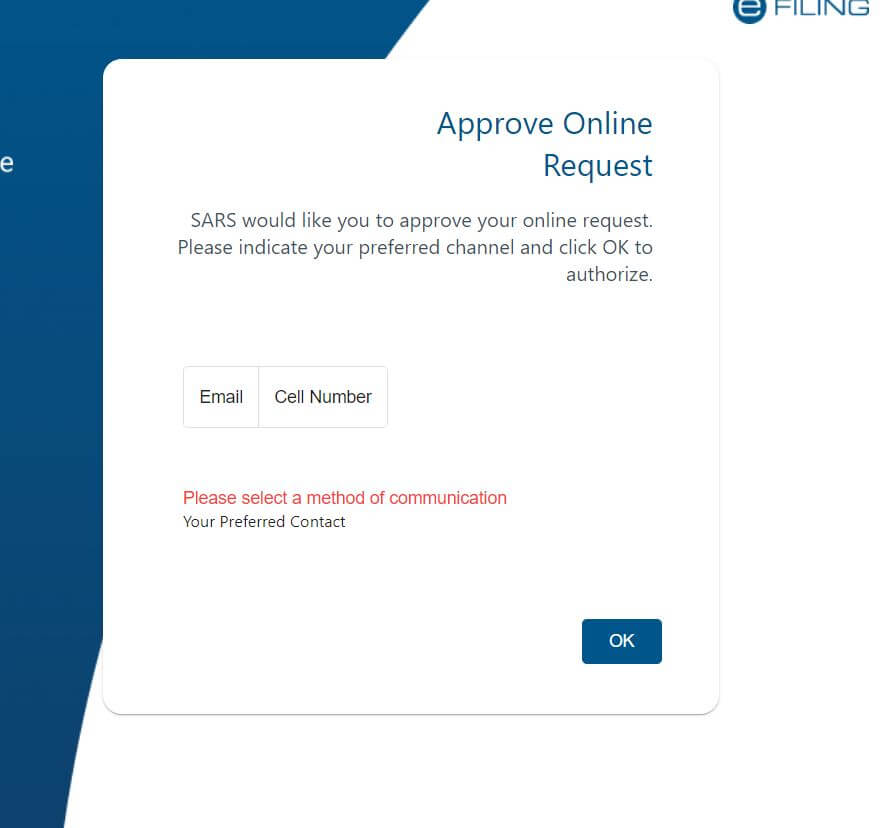
Please select your communication method and depending on the type of communication selected you will either get an SMS or email with and
OTP.
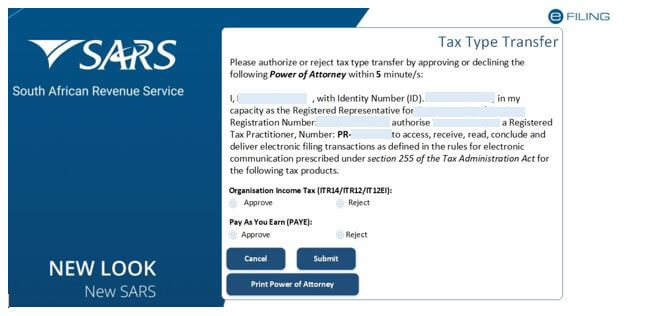
After you received the OTP select the approve of the tax types and click Submit to authorise the the transfer request.